
Muna Studio Academy
We’re thrilled to announce that our Training Academy has been upgraded to Seed 3.0! Over the past year, we’ve listened to your feedback and worked tirelessly to craft innovative solutions that empower the next generation of African digital creators. Seed 3.0 is a groundbreaking step forward, making it easier than ever for beginners to launch a career in digital content creation and earn between GH₵ 500 and GH₵ 5k in just six months! Yes, you read that right! And that’s not all—our Discord has just been upgraded to Nitro, enhancing your learning and collaboration experience even further!
Are you ready to dive into the thrilling world of animation, visual effects, and digital content creation in Africa? Whether you’re kickstarting your career or making a bold career switch, Muna Studio offers a pathway to success in this dynamic industry. Gain the skills you need to make money in an exciting career in Ghana's dynamic and growing digital content industry from Muna Seed Training Programme. Aspiring creators, designers, and 2D and 3D animators come to our academy to learn from industry professionals in Ghana's animation and visual effects industry. We aim to empower 10,000 African youth yearly with digital content creation skills. Get free mentorship, internship and employment opportunities, and more when you enrol.
Browse All Our Courses.
Get more out of your training with career mentorship that prepares you for studio life. Our bespoke training courses are built around your personal or business objectives and will enable you to achieve the best fit for your needs.
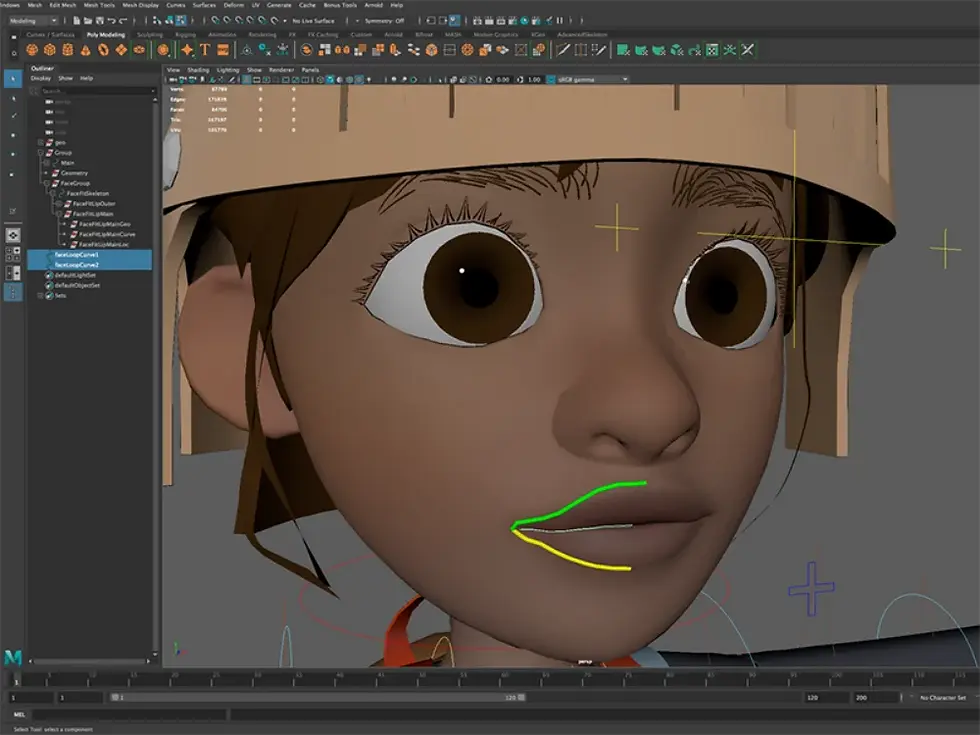
3D Character Rigging
Beginner
GH₵573
Duration
Physical
Online
Weekend
Software
Mentorship
2 Weeks
Available
Not available
Available
Maya
1 month
3D Lighting and Rendering
Beginner

GH₵1,146
Duration
Physical
Online
Weekend
Software
Mentorship
2 Weeks
Available
Not available
Available
Maya+Arnold
1 month
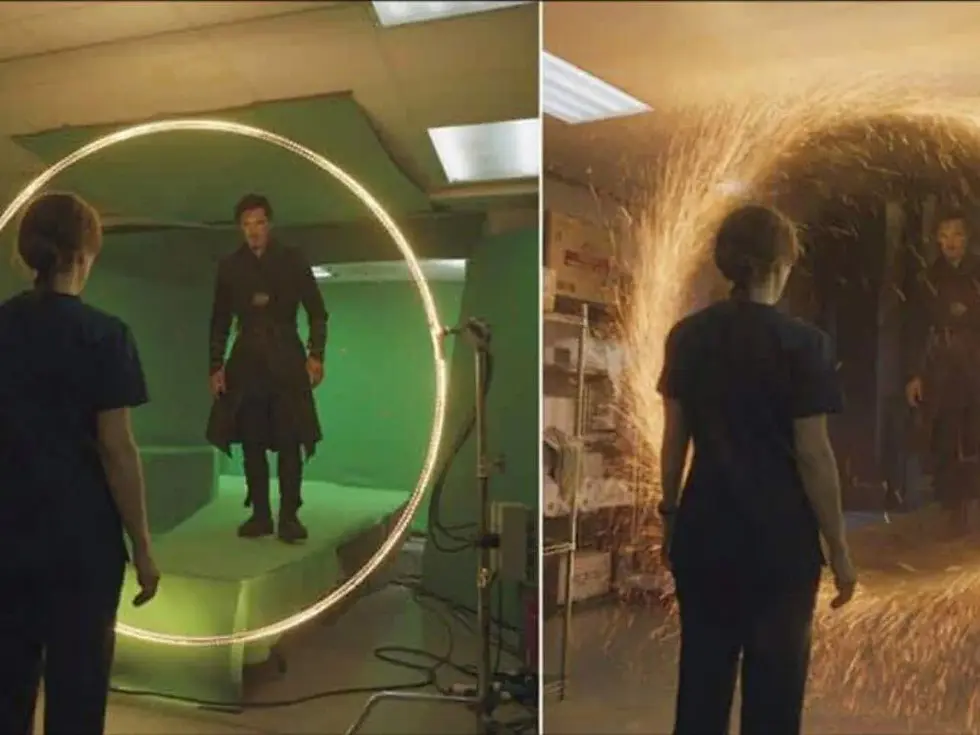
Compositing
Beginner
GH₵1,146
Duration
Physical
Online
Weekend
Software
Mentorship
4 Weeks
Available
Not available
Available
Nuke
1 month
3D Architectural Animation
Beginner

GH₵917
Duration
Physical
Online
Weekend
Software
Mentorship
2 Weeks
Available
Not available
Available
Twinmotion
1 month
3D Architectural Visualisation
Beginner
GH₵1,146
Duration
Physical
Online
Weekend
Software
Mentorship
4 Weeks
Available
Not available
Available
Revit
1 month
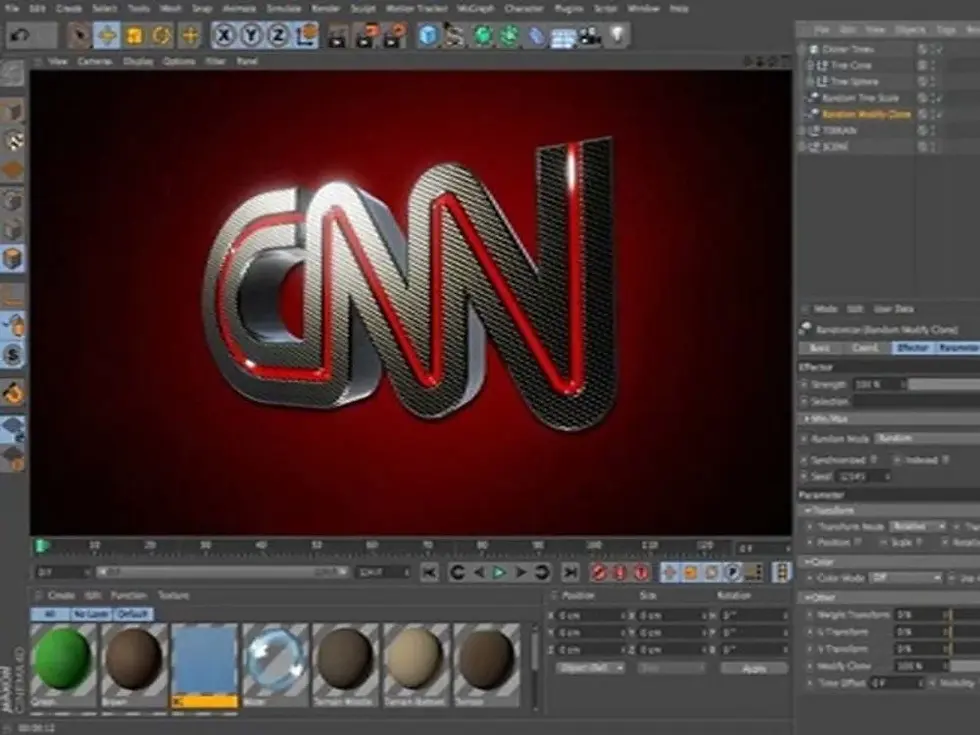
Broadcast Design
Beginner
GH₵1,146
Duration
Physical
Online
Weekend
Software
Mentorship
4 Weeks
Available
Not available
Not available
Maya
1 month
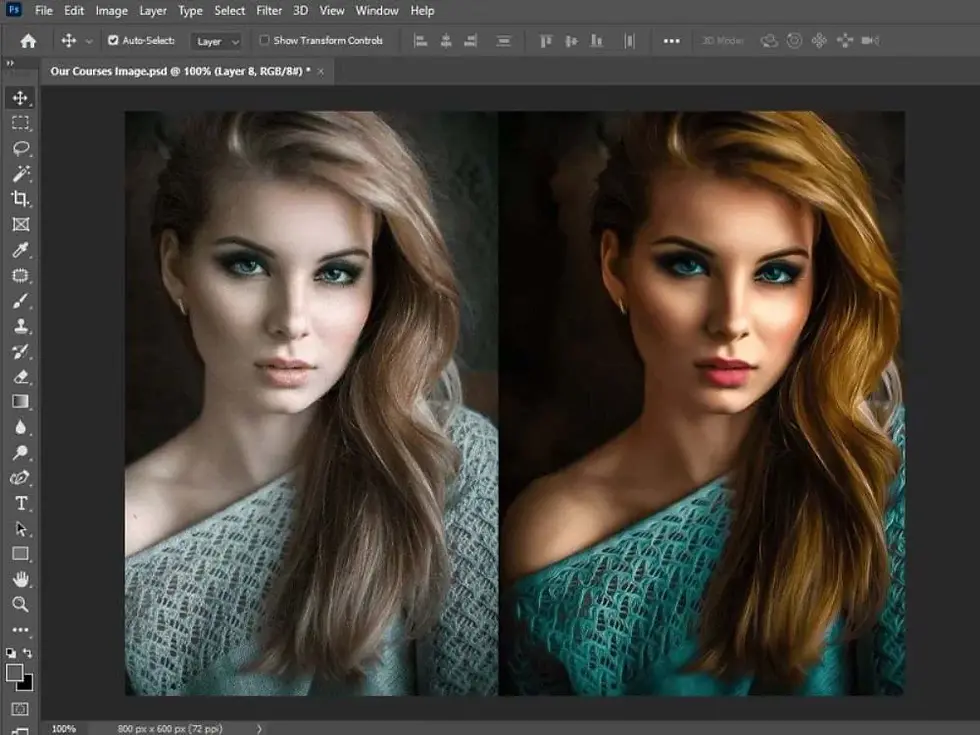
Photo Editing
Beginner
GH₵1,146
Duration
Physical
Online
Weekend
Software
Mentorship
4 Weeks
Available
Available
Available
Photoshop
1 month
Graphic Design
Beginner
GH₵1,146
Duration
Physical
Online
Weekend
Software
Mentorship
4 Weeks
Available
Available
Available
Illustrator
1 month
Cinematography
Beginner

GH₵2,292
Duration
Physical
Online
Weekend
Software
Mentorship
8 Weeks
Available
Not available
Available
Premiere Pro + DSLR Camera
1 month
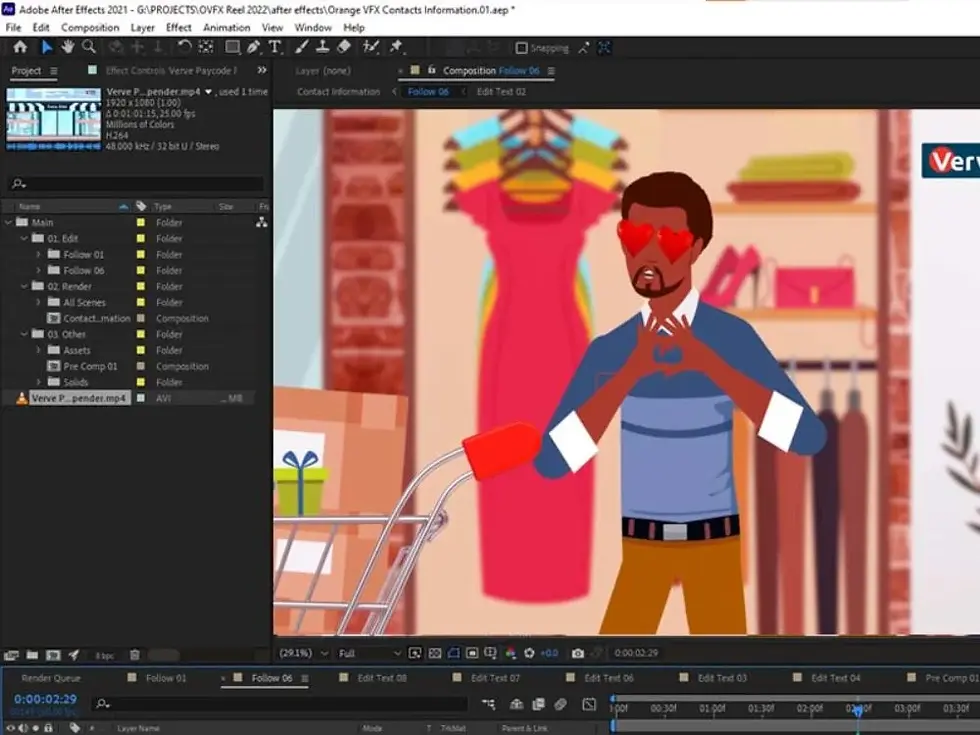
2D Character Animation
Intermediate
GH₵1,146
Duration
Physical
Online
Weekend
Software
Mentorship
4 Weeks
Available
Not available
Available
Illustrator + After Effects
1 month
Game Development Intro
Beginner

GH₵2,292
Duration
Physical
Online
Weekend
Software
Mentorship
8 Weeks
Available
Not available
Available
Unreal Engine 5
2 months
3D Product Modelling
Beginner
GH₵1,146
Duration
Physical
Online
Weekend
Software
Mentorship
4 Weeks
Available
Not available
Available
Maya
1 months
3D Digital Sculpting
Beginner

GH₵2,292
Duration
Physical
Online
Weekend
Software
Mentorship
8 Weeks
Available
Not available
Not available
Zbrush
2 months
3D Texturing & Shading
Intermediate

GH₵1,146
Duration
Physical
Online
Weekend
Software
Mentorship
4 Weeks
Available
Available
Available
Substance + Maya
1 month
3D Character Acting
Intermediate
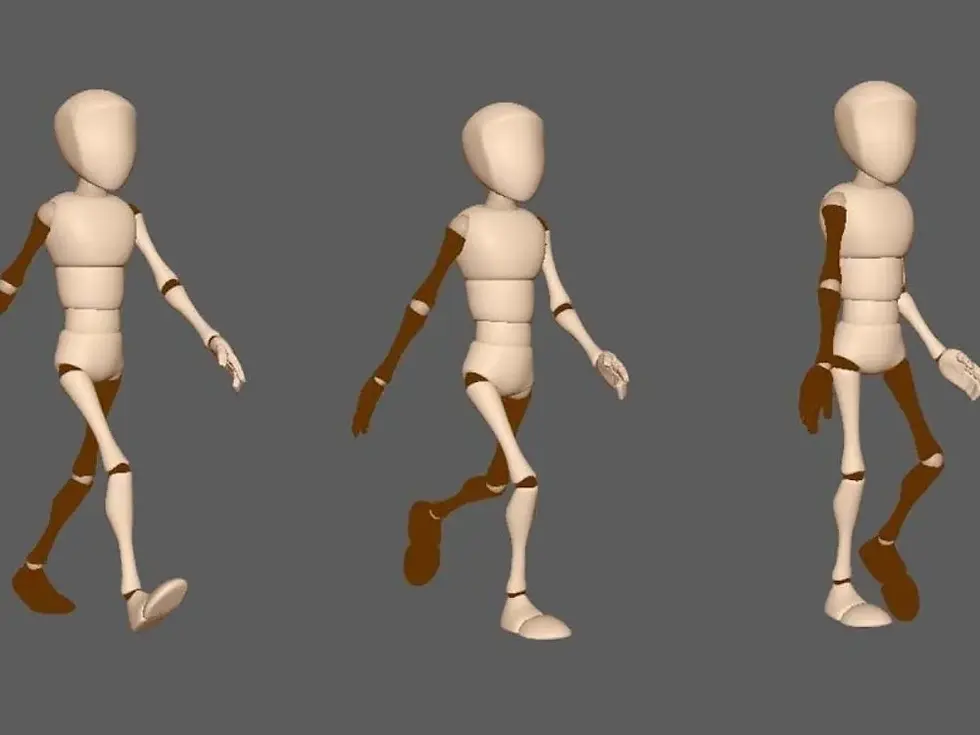
GH₵2,292
Duration
Physical
Online
Weekend
Software
Mentorship
8 Weeks
Available
Not available
Not available
Maya
2 months
Visual Effects
Beginner
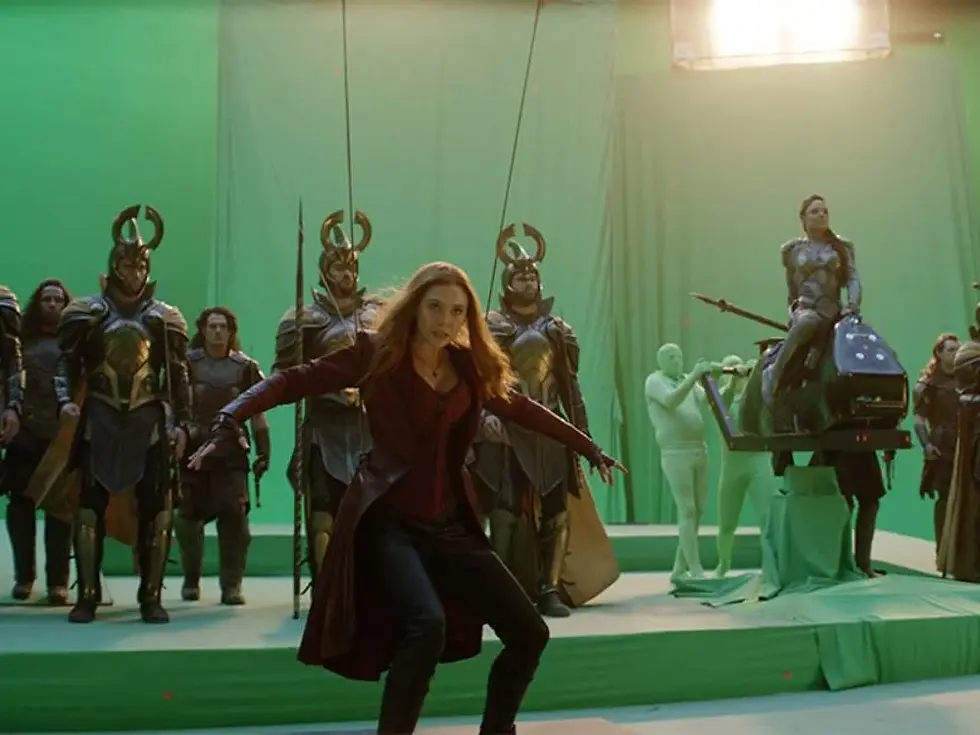
GH₵1,146
Duration
Physical
Online
Weekend
Software
Mentorship
8 weeks
Available
Not available
Available
After Effect
2 months
Motion Graphics
Beginner
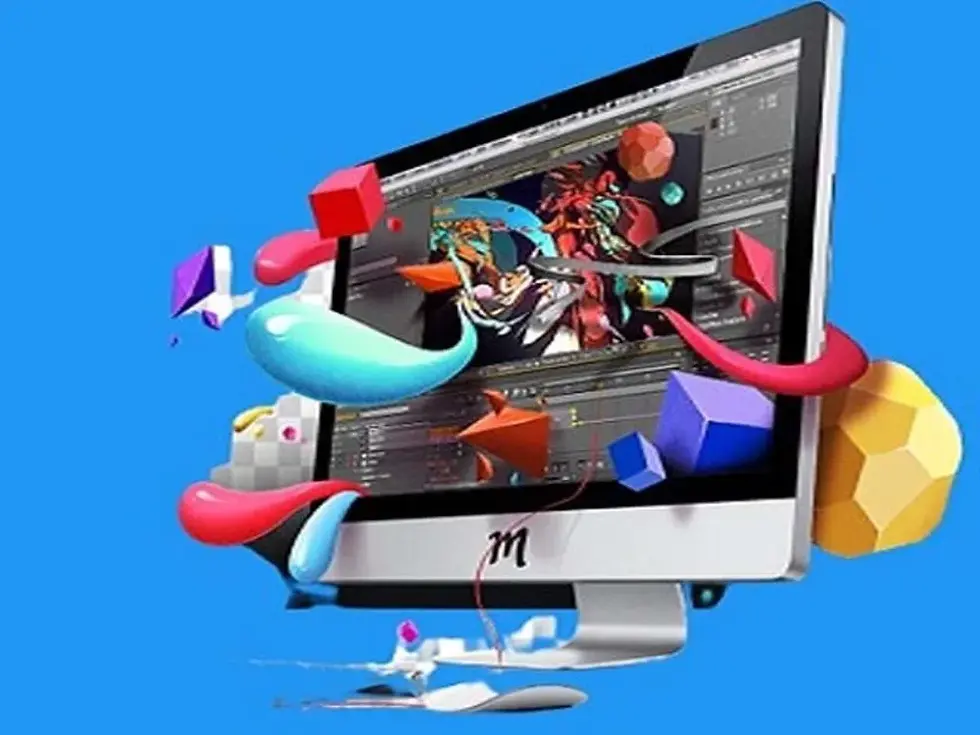
GH₵1,146
Duration
Physical
Online
Weekend
Software
Mentorship
4 weeks
Available
Not Available
Available
After Effect
1 month
Video Editing
Beginner
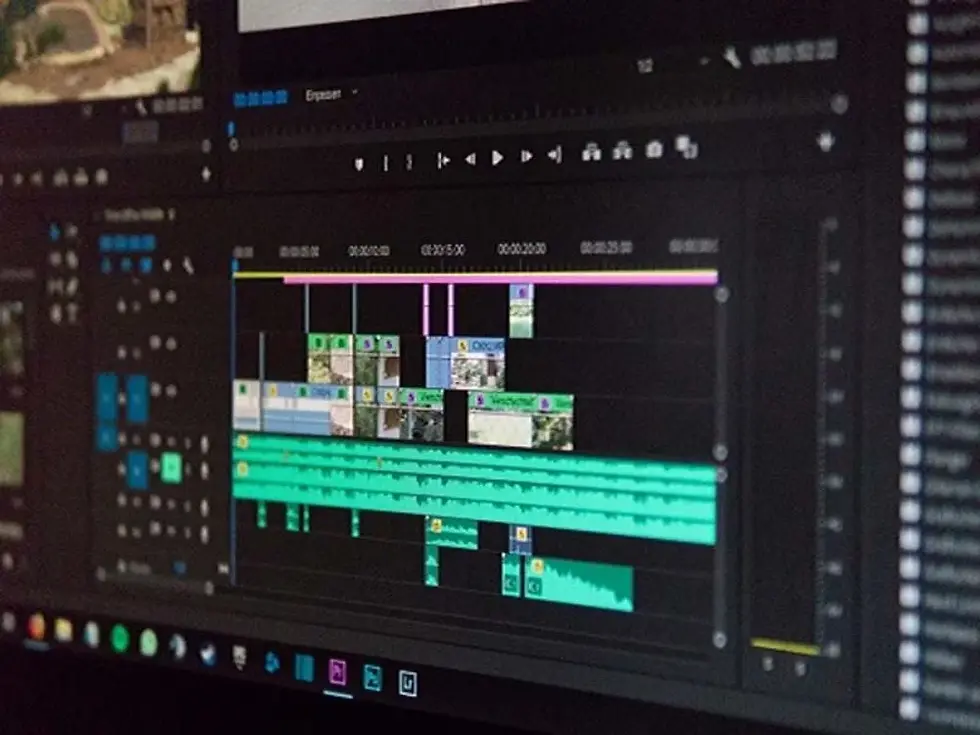
GH₵1,146
Duration
Physical
Online
Weekend
Software
Mentorship
4 weeks
Available
Not available
Available
Premiere Pro
1 month
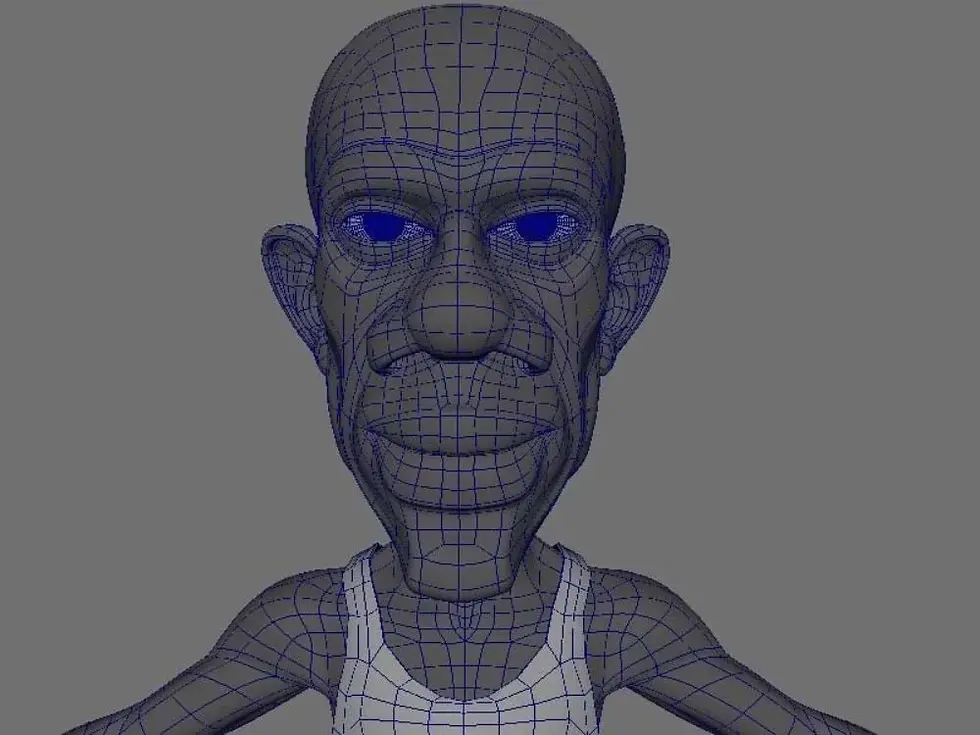
3D Character Modelling
Intermediate
GH₵1,146
Duration
Physical
Online
Weekend
Software
Mentorship
4 weeks
Available
Not available
Available
Maya
1 month
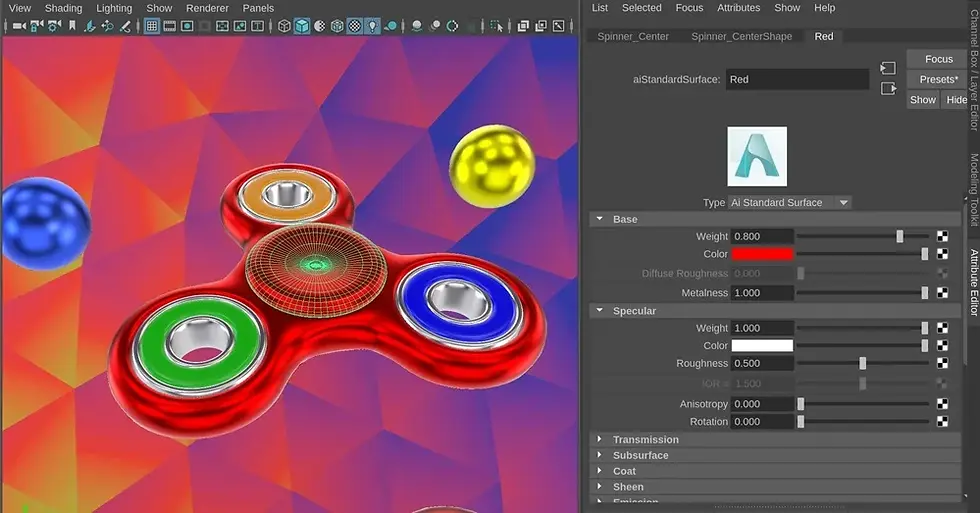
Product Visualisation
Hands-on – As the top animation school in Ghana, we provide a hands-on learning experience emphasising the practical, technical and artistic skills that can help students bring CG-enhanced stories to life.
Mentorship – Get more out of your training with direct access to industry mentors, letting you can progress faster and build job skills that put you in demand in the real world. To be the best, it helps to learn from the best.
Industry Placement – Our school improves people skills by requiring students to collaborate, thereby preparing the path for industry placement for top-performing students with our employment partners.
Industry-Ready – Focused on getting you job-ready, our Courses help you get your skills to industry-standard, gain valuable industry insights, build critical job skills, and graduate with a polished portfolio to show employers.

Certified – We are the first Autodesk Authorised Training Centre (ATC) in Media and Entertainment in West Africa. Our curriculum is based on our 12+ years of industry-proven pipelines and workflows from our award-winning studio.
Small Classes – Small classes cater to high quality individualised interactions with students allowing you to progress faster, gain industry insights and build your competitive edge throughout your course.

Need help in choosing a course or module?
Deciding which course to pick as a beginner or switching courses or careers might be difficult.
Notwithstanding, there’s nothing to worry about; reach out to us, and we would be happy to offer
personalised suggestions on the best digital skills or training for you! Call +233 55 015 7572